UMT Tool V13.6 Download for Windows | Dongle, Modules & Features 2027

A phone stuck on an FRP lock, a boot loop, a lost IMEI, or a bad flash can stop a repair job. UMT Tool, short for Ultimate Multi Tool, is a Windows servicing suite for Qualcomm, MediaTek, Unisoc, HiSilicon, and Samsung phones. It runs with a UMT Box or UMT Dongle. This guide explains what it does, which modules it has, what you need, and what to check before you start.
Also read Trusted Tools: FRT Tool v1.7.5 Download | BFT Tool New Updated
Key Takeaways
- Type: A Windows suite with separate modules for each chipset.
- Hardware: Requires a UMT Box or UMT Dongle (UMT Pro) and activation.
- Main Jobs: Firmware flashing, FRP reset, IMEI repair, factory reset, and lock removal.
- Note: It is a paid tool. Free copies available online are not reliable.
What Is UMT Tool?
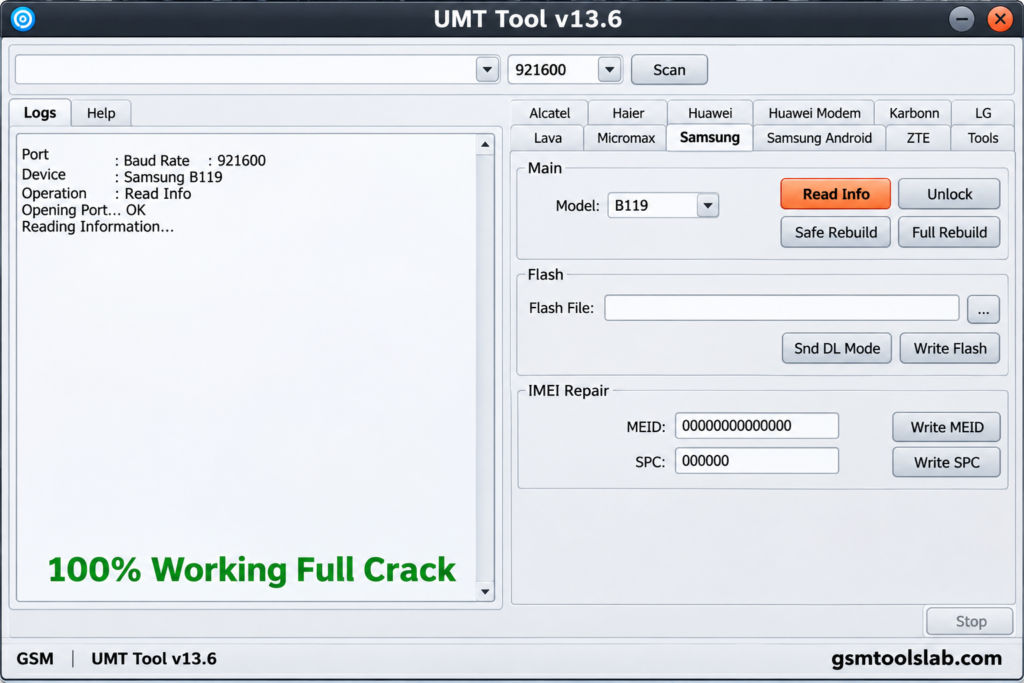
UMT Tool is a GSM and CDMA service suite for technicians. The official site describes it as a smart-card-protected box or dongle with no server credits. The software is built in modules. Each module handles one chipset family, such as MediaTek or Qualcomm. Functions depend on the model, chipset, firmware, and security patch. Use it only on phones you own or are allowed to repair.
Key Features of UMT Tool
MediaTek Module (UltimateMTK2)
This module covers the BROM exploit, flashing, FRP reset, and factory reset on MediaTek phones.
Qualcomm Module (UMT QcFire)
QcFire uses loaders for EDL. It offers flashing, FRP, and partition tools on Qualcomm phones.
Unisoc Module
The Unisoc (Spreadtrum) module handles FRP reset, factory reset, and firmware work on SPD devices.
HiSilicon and Samsung Modules
UltimateHST works with Huawei and Honor Kirin devices. A Samsung module covers firmware flashing and Exynos Download Mode.
IMEI, EFS, and Backup Tools
The suite can repair IMEI, back up and restore QCN and EFS data, and repair network settings on selected models. Use these only for lawful repairs, because local rules differ.
What’s New in the Latest Modules?
The official site lists these current module versions:
- UltimateMTK2: 3.9.5, updated 2 November 2026.
- UMT QcFire: v14.5, updated 24 October 2026.
- UMT Unisoc: v2.3, updated 20 October 2026.
Earlier QcFire updates added Oppo Privacy Lock disable, Spreadtrum DIAG enable, Bluetooth and Wi-Fi MAC repair, and wider Motorola network repair.
Supported Brands and Chipsets
| Module | Chipset | Common Brands |
|---|---|---|
| UMT QcFire | Qualcomm | Samsung, Xiaomi, Motorola, Oppo, Realme, OnePlus, Huawei, ZTE |
| UltimateMTK2 | MediaTek | Tecno, Infinix, itel, Oppo, Realme, Motorola, Lenovo |
| UMT Unisoc | Unisoc (SPD) | Unisoc and SPD phones |
| UltimateHST | HiSilicon | Huawei, Honor |
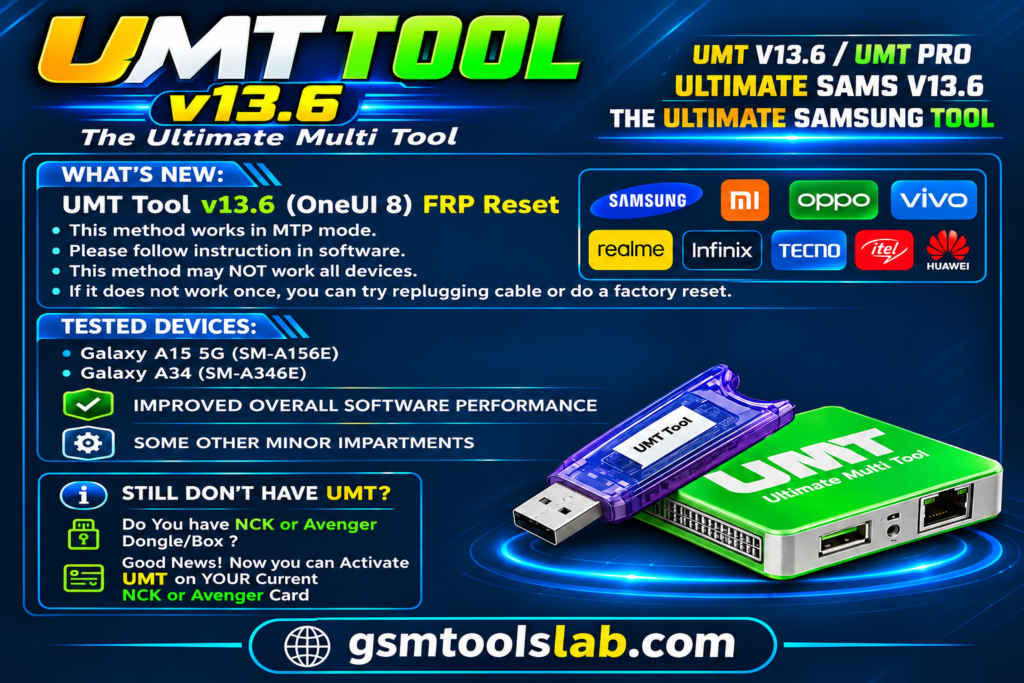
UMT Tool Download Information
- Tool Name: UMT Tool (NEW)
- Version: v13.6
- File Type: ZIP or RAR
- License: Paid, time-based activation
- File Size: 102.32 MB
Here is the Official download link 👇
System Requirements
| Requirement | Details |
|---|---|
| Operating System | Windows 7, 8, 10, or 11 |
| RAM | 4 GB minimum, 8 GB recommended |
| Storage | 1 to 2 GB free |
| Processor | Intel or AMD dual-core or better |
| Hardware | UMT Box or Dongle and a USB cable |
| Drivers | Qualcomm, MediaTek, and Unisoc USB drivers |
How to Download and Install the Tool
- Download for free on the official UMT site or from a trusted source and log in.
- Download the software and the module you need.
- Extract the files and run the setup as administrator.
- Install the USB drivers for your phone.
- Plug in your UMT Box or Dongle.
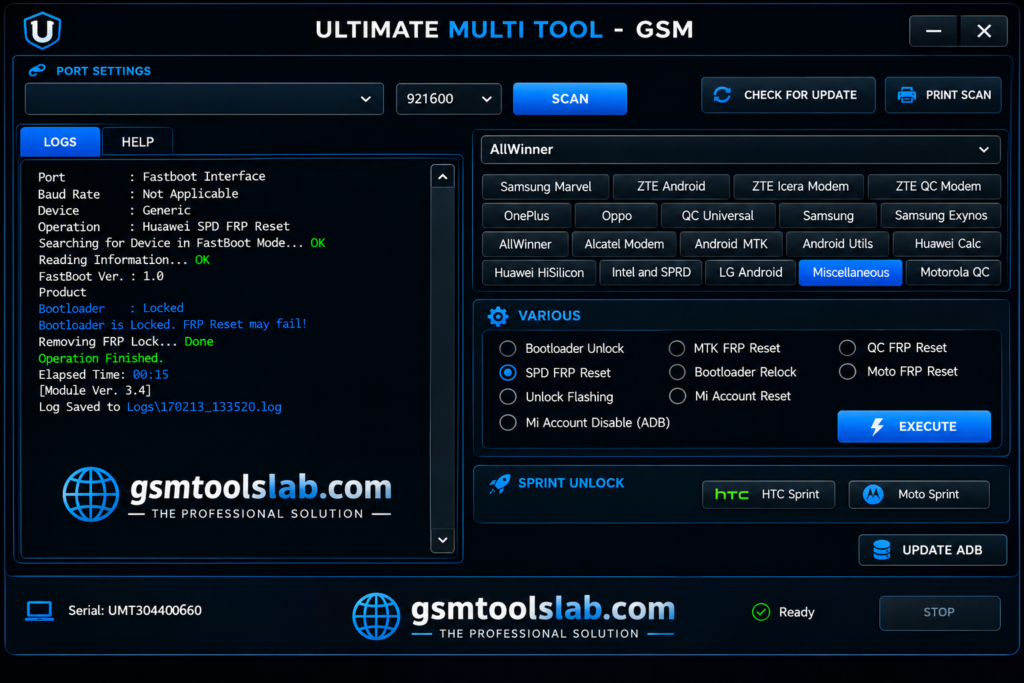
- Open the module for your chipset and pick a function.
- Connect the phone and follow the on-screen instructions.
- Keep the cable connected until the job ends.
Pros and Cons
| Pros | Cons |
|---|---|
| Separate modules for Qualcomm, MediaTek, Unisoc, and HiSilicon | Needs a UMT Box or Dongle |
| Regular module updates | Paid, time-based activation |
| No server credits | Support varies by model and patch |
| Flashing, FRP, and IMEI tools in one suite | Wrong steps can erase data |
Conclusion
UMT Tool is a Windows-based mobile servicing solution for technicians who need firmware flashing, FRP and factory resets, bootloader services, IMEI repair, and QCN/EFS backup or restoration. Its UltimateMTK2, QcFire, and Unisoc modules extend support across MediaTek, Qualcomm, Unisoc, Samsung, and selected HiSilicon devices. The latest version releases include UltimateMTK2 v3.9.5, QcFire v14.5, and Unisoc v2.3. Prepare the required UMT Box or Dongle, install drivers, and protect user data with a complete data backup.
UMT Tool FAQ’s
What is UMT Tool used for?
It is used for phone servicing, and common jobs are firmware flashing, FRP reset, factory reset, IMEI repair, and lock removal on supported phones.
Does UMT Tool need a dongle?
Yes. It runs with a UMT Box or UMT Dongle (UMT Pro) and needs activation.
Is UMT Tool free?
No. It needs paid hardware and a time-based activation.
Is UMT Tool safe to download?
It is safest to download from the official site after free registration.
Which chipsets are supported?
It works with Qualcomm, MediaTek, Unisoc, and HiSilicon. A Samsung module covers firmware work and Exynos Download Mode.
Can it remove FRP on Android 13 and 14?
It lists FRP reset in its MediaTek and Qualcomm modules, but results depend on the model and security patch. Check your phone before you buy.