DRT Device Reset Tools Free Setup Download for Oppo Qualcomm (2027)

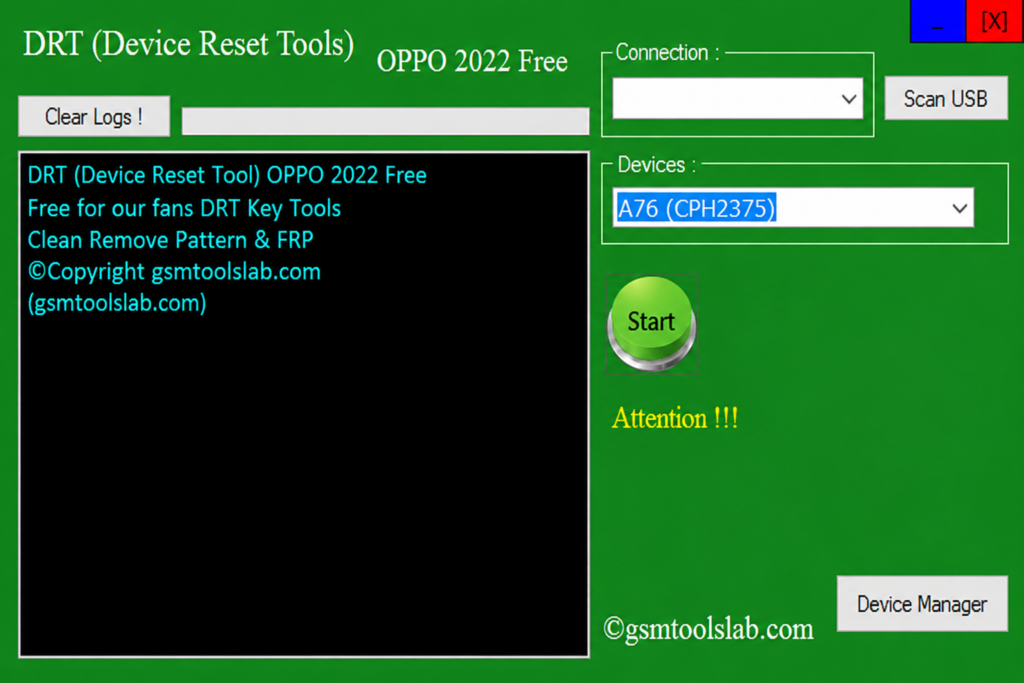
Is your Oppo phone stuck on an FRP lock, a forgotten pattern, PIN, or password, or a user lock after a reset? DRT Device Reset Tools is a small, free Windows program for supported Oppo phones with Qualcomm chips. It works in EDL mode. You pick your model, put the phone in EDL mode, and click Start.
Also Read Trusted Tools: TFT MTK Module Tool V7.0.0 Download Latest
Key Takeaways
- Tool: DRT Device Reset Tools, a free Windows utility of about 3.5 MB.
- Phones: Selected Oppo phones with Qualcomm chipsets.
- Mode: EDL mode.
- Main Jobs FRP removal, user lock removal, pattern, PIN, and password reset, and factory reset.
- Limits: Windows 7 to 11, MediaTek USB drivers, and WinRAR or 7-Zip.
What Is DRT Device Reset Tools?
DRT Device Reset Tools is a Windows-based servicing tool for supported Oppo phones with Qualcomm chips. Oppo phones run ColorOS, and newer models use strong security. This tool gives technicians a simple window to reset locks without complex menus.
FRP means Factory Reset Protection. Google added it in Android 5.1 in 2015. After a reset, the phone asks for the last Google account. This tool offers FRP options for supported Oppo models, but the old account is still the safest way in.
Key Features of DRT Device Reset Tools
Free Version
It is a free Windows tool for supported Oppo Qualcomm phones. No paid license is needed.
Oppo Qualcomm Support
It is built for Oppo phones with Qualcomm chipsets. Options depend on your model.
EDL Mode Support
EDL means Emergency Download Mode. It is a low-level Qualcomm mode. The PC sees the phone as “Qualcomm HS-USB QDLoader 9008” and can send service commands.
FRP Removal
It helps when the phone is locked by FRP after a factory reset.
User Lock Removal
It removes the user lock on supported Oppo Qualcomm phones.
Pattern, PIN, and Password Reset
It helps with a forgotten pattern, PIN, or password on compatible models.
Factory Reset
It returns the phone to factory settings. This erases user data.
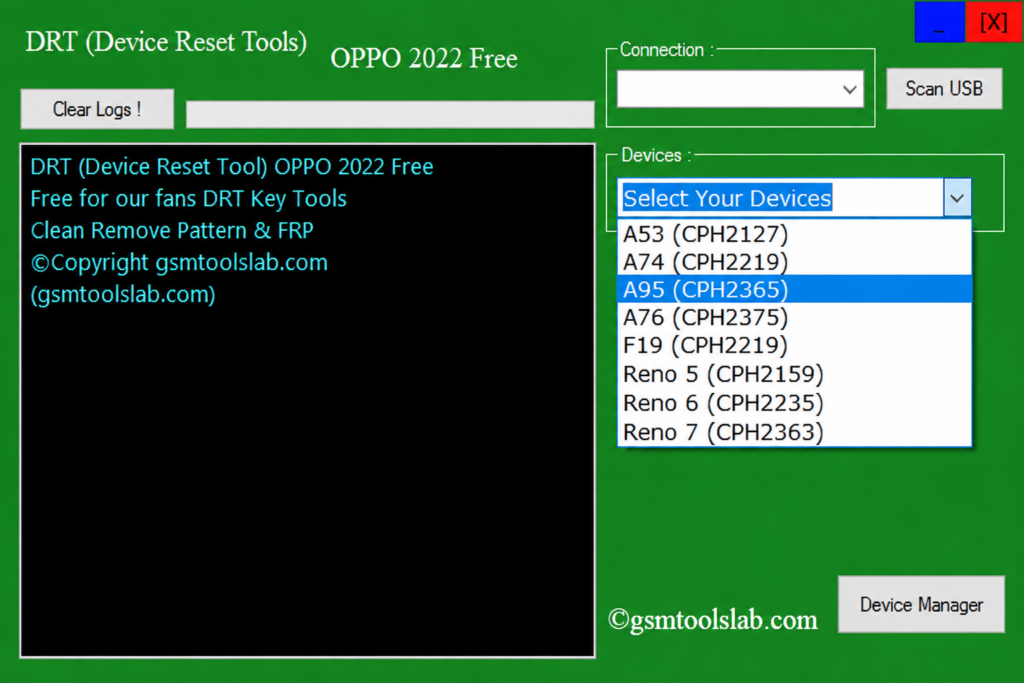
Supported Oppo Models
| Series | Models Listed |
| A Series | A53, A74, A76, A95 |
| F Series | F19 |
| Reno Series | Reno 5, Reno 6, Reno 7 |
DRT Device Reset Tools Download Information
- Tool Name: DRT Device Reset Tools
- Version: Latest 2027
- Requirements: Qualcomm and USB drivers
- File Password: 🗝 None
- File Size: About 3.5 MB
Here is the Official download link 👇
What’s New in DRT Device Reset Tools?
- Better FRP and user lock support
- Pattern, PIN, and password reset
- Simpler factory reset
- Better EDL mode support
- Better support on common Windows versions
System Requirements
| Requirement | Details |
| Operating System | Windows 7, 8, 10, or 11 |
| Architecture | 32-bit or 64-bit |
| RAM | 2 GB or more |
| USB | A working port and a good cable |
| Drivers | Qualcomm and USB drivers |
| Access | Run as administrator |
How to Download and Install DRT Device Reset Tools
- Download the file from a trusted source or the official website.
- Extract the RAR or ZIP file to a simple folder.
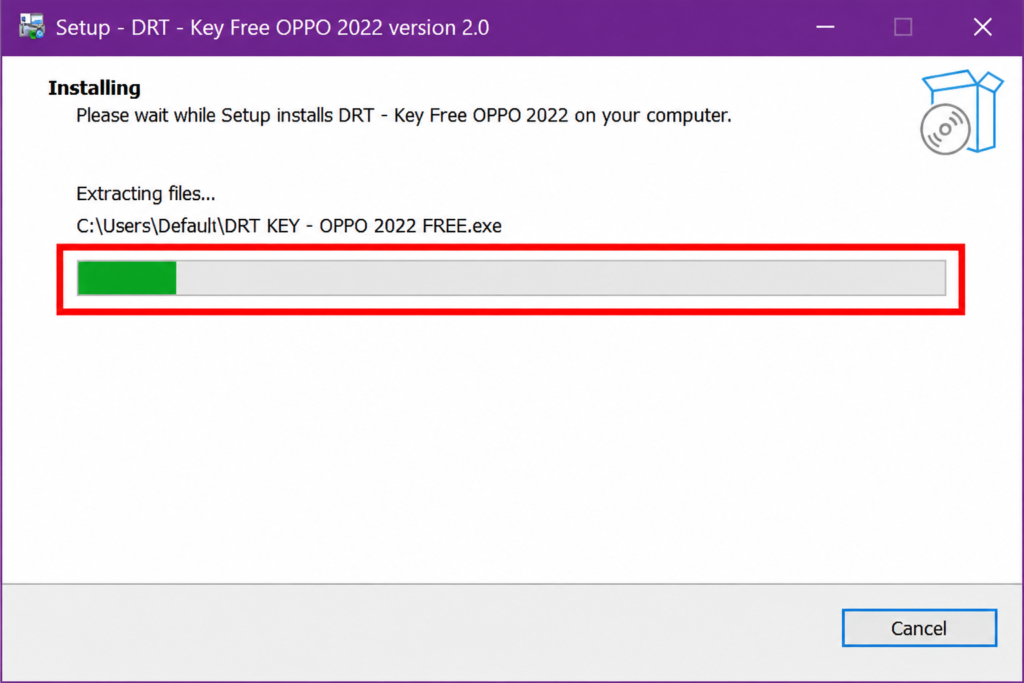
- Install the setup files and USB drivers if needed.
- Open the DRT folder.
- Run the tool as administrator.
- Select your Oppo model.
- Put the phone in EDL mode and connect it with the USB cable.
- Choose the operation and click Start.
Pros and Cons
| Pros | Cons |
| Free and very small file | Works only on listed Oppo models |
| Simple Windows interface | Newer security versions may not work |
| FRP, user lock, and pattern options | Reset can erase user data |
| EDL mode support | Needs Qualcomm and USB drivers |
| Easy for beginners | Advanced servicing needs skill |
Common Errors and Fixes
- Phone not detected: Reinstall the Qualcomm and USB drivers and try another cable.
- Tool does not start: Run it as administrator.
- Operation fails: Check that your model is in the supported list.
- Phone will not enter EDL mode: Use the EDL method for your exact model and a good cable.
Conclusion
DRT Device Reset Tools is a simple and free Windows tool for supported Oppo Qualcomm phones. It covers FRP, user lock, pattern, and factory reset jobs in EDL mode. Check your model first, install the right drivers, and back up your data if you can.
DRT Device Reset Tools FAQs
Which Oppo phones does DRT Device Reset Tools support?
It lists A53, A74, A76, A95, F19, Reno 5, Reno 6, and Reno 7. It does not support every Oppo phone.
Does it support Oppo phones with MediaTek chips?
No. It is made for Qualcomm chipsets only.
Can DRT Device Reset Tools reset an Oppo phone?
Yes, on supported models. A factory reset erases your data.
Does it support FRP removal?
Yes, on supported Oppo phones. Use it only on a phone you own.
Is DRT Device Reset Tools free?
Yes. It is offered as a free Windows tool. Check the source before you install it.
Do I need a hardware box or dongle to use DRT Device Reset Tools?
No, the tool operates as a standalone software utility without requiring any physical hardware activation dongle.
Can it remove a pattern or PIN lock?
Yes, on supported models. Results depend on your phone’s security version.
Does it work on newer Oppo security versions?
Support varies. Some newer versions may not work with this release.
What is EDL mode?
EDL is Emergency Download Mode in Qualcomm chips. It lets a PC send service commands before Android starts.
Is it safe to download?
It can be safe if you download from a trusted source, scan the file, and use it on your own phone.
One Comment