TFM Tool Pro V3.4.2 MTK Free Download Latest For Windows (2027)

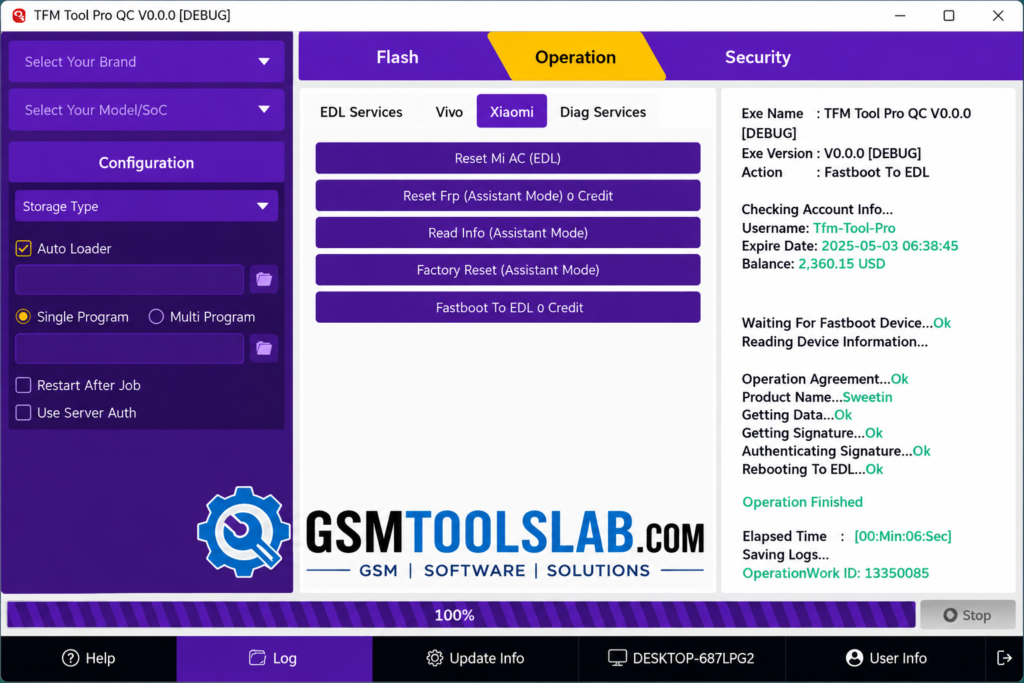
Android software issues can slow repairs when a phone needs firmware flashing, device checks, or a reset. TFM Tool Pro provides a solution for supported MediaTek (MTK) smartphones and tablets. TFM Tool Pro brings firmware flashing, FRP, factory reset, diagnostics, and device info together for supported MediaTek, Qualcomm, and UNISOC/Spreadtrum devices.
Also Read Trusted Tools: TSM Tool Pro V2.4.1 Download 2027
Key Takeaways
- Listed Build: V3.4.2, with a file size of 30.76 MB.
- Platforms: MediaTek, Qualcomm, and Spreadtrum/Unisoc.
- Functions: Flashing, FRP servicing, resets, Fastboot, and device information.
- Note: Some jobs require credits or a plan. Support varies by model.
What Is TFM Tool Pro?
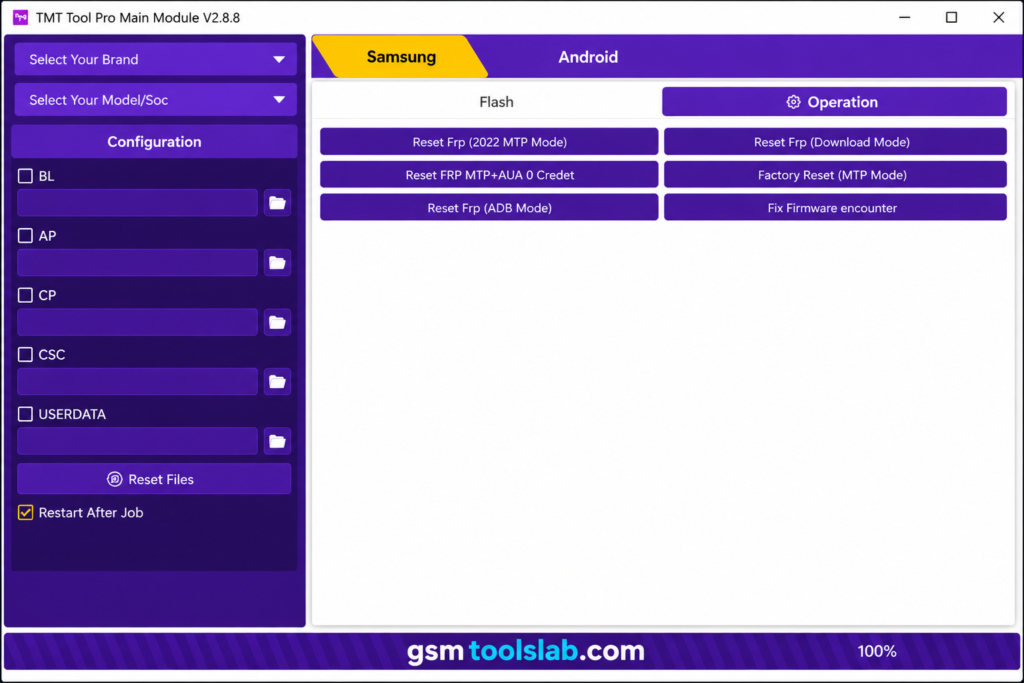
TFM Tool Pro is Windows software for phone servicing. Technicians can read device information, flash compatible firmware, run supported resets, and use selected boot or diagnostic functions. Options depend on the device, chipset, service mode, authorization, and version. The software supports chipsets such as MediaTek, Qualcomm, and Spreadtrum/Unisoc, with additional modules for Samsung and Vivo MTK devices.
Key Features
Firmware Flashing and Software Repair
It includes firmware operations for compatible devices. Correct stock firmware may help with software faults or boot problems. Match the file to the exact model and region.
FRP and Factory Reset Functions
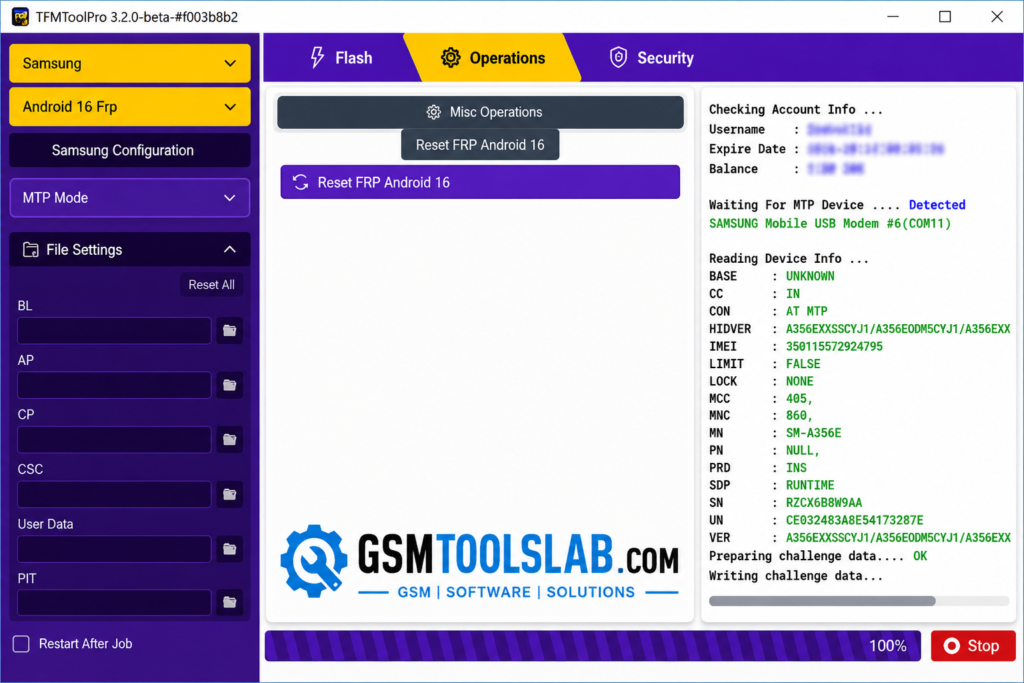
Supported FRP and factory reset options are available. A factory reset erases personal data, so back up files and get the owner’s approval first.
MediaTek, Qualcomm, and Unisoc Modules
Official pages list MediaTek, Qualcomm, and Spreadtrum modules. Connection modes differ and may include MTK service modes, Qualcomm EDL, or Spreadtrum/Unisoc Download or diagnostic modes.
Read Info, Fastboot, and Diagnostic Tools
Read Info can show device, chipset, Android, and other supported details. Fastboot actions include reboot and moving compatible devices to EDL, but options vary by phone.
Brand and Model Coverage
Listed brands include Tecno, Infinix, itel, Vivo, iQOO, OPPO, OnePlus, Xiaomi, Honor, Samsung, Nokia, and others. Not every model is supported, so check the model list and operation availability first.
Download Information
| Detail | Information |
|---|---|
| Tool name | TFM Tool Pro |
| Version listed | V3.4.2 |
| File size | 30.76 MB |
| Platform | Windows |
| Supported chipset families | MediaTek, Qualcomm, Spreadtrum/Unisoc |
System Requirements
| Requirement | Practical guidance |
|---|---|
| Computer | Windows PC |
| USB connection | Reliable data cable and working USB port |
| Drivers | Correct USB and chipset drivers for the phone |
| Internet | Needed for account, server, or authorized online functions |
| Storage | Keep enough free space for the setup, logs, and firmware files |
| Permissions | Use an administrator account if installation or drivers require it |
How to Download, Install, and Use the TFM Tool Pro
- Confirm the version and release notes on the official download page.
- Download the setup from the official website or from a trusted source.
- Install the correct USB or chipset drivers.
- Install or launch the application; sign in or activate it if needed.
- Back up data and check the exact phone model and firmware.
- Connect the phone in the required mode.
- Review any cost, authorization, or warning prompt before starting.
- Keep the cable connected until the operation finishes.
Pros and Cons
| Pros | Cons |
|---|---|
| Brings multiple servicing modules together | Not every model or security version is supported |
| Includes flashing, reset, and read-info functions | Some operations need credits, authorization, or a paid plan |
| Offers tools for several chipset families | Incorrect firmware or mode selection can cause problems |
| Publishes version notes for updates | Some operations erase user data |
Conclusion
TFM Tool Pro combines firmware servicing, supported resets, FRP options, device information, and chipset-based tasks. Confirm model support, install the right drivers, and check authorization or credit requirements before use.
TFM Tool Pro FAQs
What is TFM Tool used for?
It is a Windows-based phone servicing tool for supported firmware, reset, FRP, Fastboot, and device-information tasks. Available functions vary by model.
What is the latest version of TFM Tool?
Check the page again before installing because new builds may be released.
Which chipsets does TFM Tool support?
The official site lists MediaTek, Qualcomm, and Spreadtrum/Unisoc modules. Support for each operation depends on the device.
Does TFM Tool support Tecno, Infinix, and itel phones?
The official license page lists these brands for selected authorized services. Check the exact model and required authorization first.
Is TFM Tool free?
The official pricing page shows a free-license option, but some authorized jobs use credits, and other plans are available. Check the current pricing and operating costs before starting.
Can TFM Tool flash firmware?
It lists firmware flashing for supported devices. Use the correct firmware for the exact model and region, as an incorrect file can cause serious software issues.
Will a factory reset or firmware flash delete my data?
A factory reset erases user data, and some flashing operations can also cause data loss. Back up important files first whenever possible.

4 Comments