
Miracle Advanced Android Tool v1.35 Free Setup for Windows (2027)

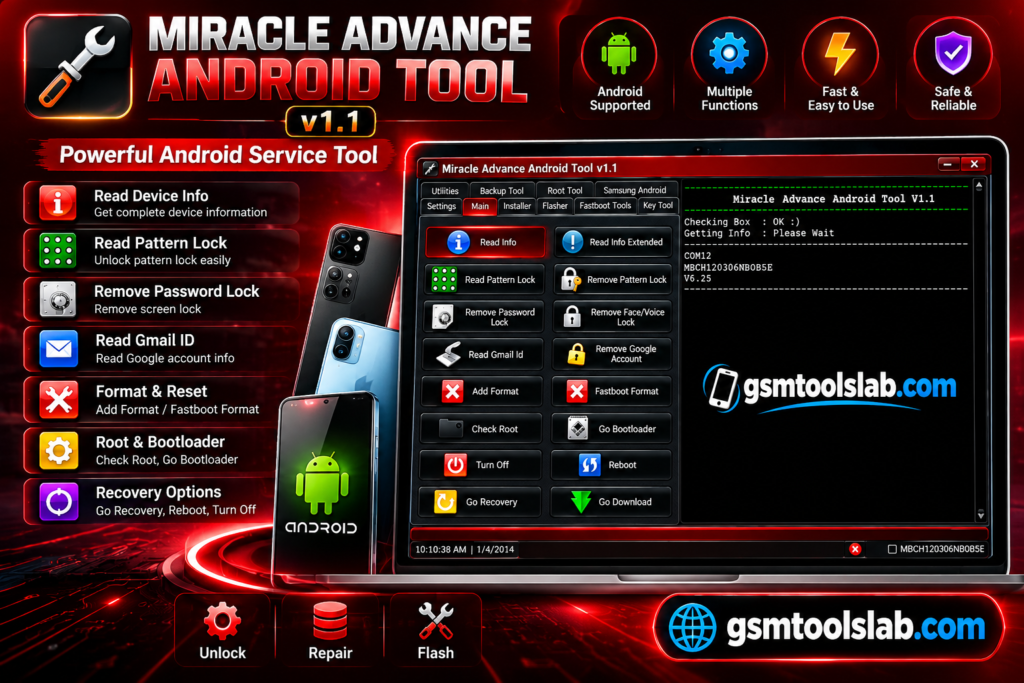
Stuck on a forgotten pattern, an FRP lock, a boot problem, or a firmware error on an Android phone? Miracle Advanced Android Tool is a Windows program that puts many repair jobs in one window. It reads device info, backs up data, flashes firmware, repairs IMEI, and works with ADB and Fastboot.
Also Read Trusted Tools: DRT Device Reset Tools Free Setup Download for Oppo
Key Takeaways
- Tool: Miracle Advanced Android Tool, a Windows servicing utility from Miracle Team.
- Phones: —-
- Mode: ADB, Fastboot, and recovery mode.
- Main Jobs FRP, screen lock, firmware flashing, IMEI repair, backup, and restore.
- Limits: Windows 7 to 11, and WinRAR or 7-Zip.
What Is Miracle Advanced Android Tool?
Miracle Advanced Android Tool is Windows software for Android repair and servicing. Technicians in the US, UK, Canada, Pakistan, India, and Nigeria use it for software jobs on phones and tablets. It focuses on software. It cannot fix a broken screen or a dead battery. Google added it in Android 5.1 in 2015. After a reset, the phone asks for the last Google account. The tool offers FRP options on supported phones, but the old account is still the safest way in.
Features of Miracle Advanced Android Tool
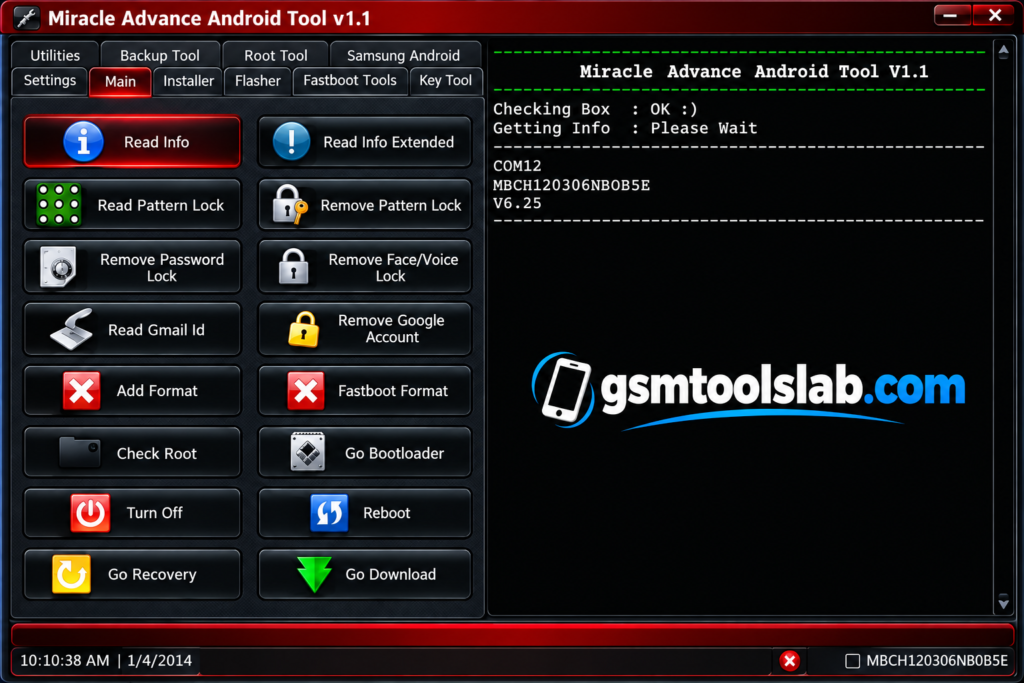
Device Information
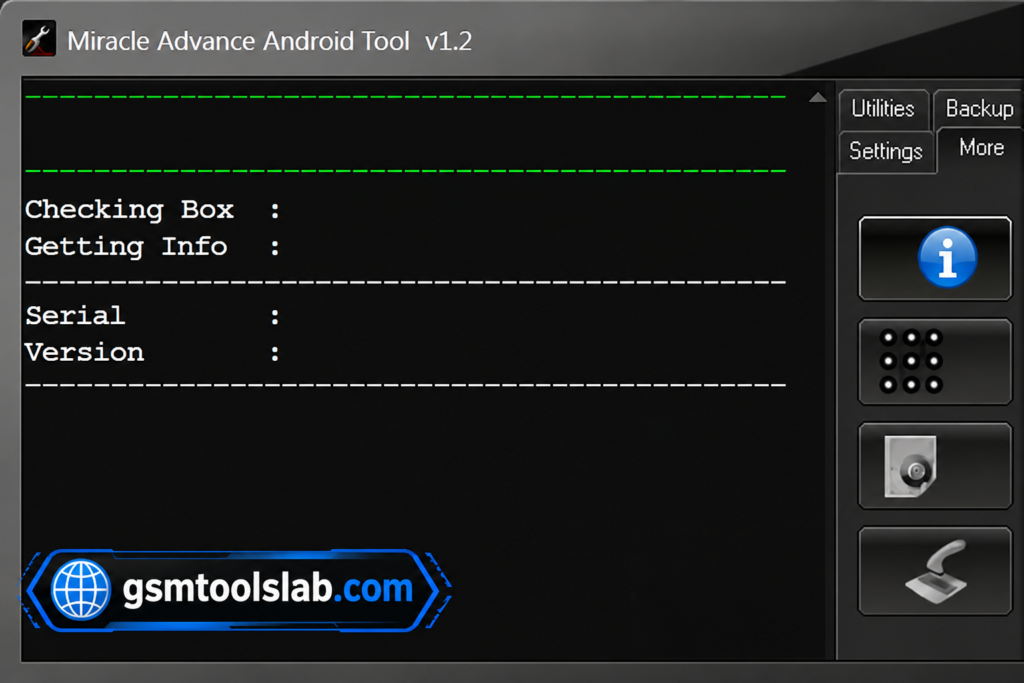
It reads hardware and software details from a connected phone. This helps you confirm the device before any task.
Backup and Restore
You can back up data and settings before a repair and restore them later.
FRP Bypass
It has FRP and Google account options for supported phones stuck after a factory reset.
Screen Lock Removal
It handles pattern, PIN, and password locks on compatible devices. Some pages also list fingerprint, face, and voice locks.
Firmware Flashing, Read, and Write
It flashes firmware, ROMs, and kernels. It can also read or write firmware files on supported devices. You must get the firmware files yourself.
Network Unlocking
It can unlock some phones that are locked to one carrier or network.
IMEI Repair
It can repair or restore an IMEI on supported phones. Restore only the original number.
Factory Reset and Data Wipe
It resets a phone and removes user data. Both erase your files.
ADB, Fastboot, and Debugging Support
It works with ADB, Fastboot, and USB debugging. It also supports Fastboot formatting.
Recovery and Root Tools
It can flash recovery files, reboot into recovery mode, check root status, and give root options.
Data Extraction and Virus Removal
It can pull available data from some locked phones. It can also remove unwanted apps and files.
Miracle Advanced Android Tool Download Information
| Detail | Information |
|---|---|
| Version | V1.35 |
| Platform | Windows 7, 8, 8.1, 10, and 11 |
| Developer | Miracle Team |
| Main Support | ADB, Fastboot, Android servicing |
| Drivers Needed | Android, ADB, and Fastboot USB drivers |
Here is the Official download link 👇
What’s New in This Version?
- Better device detection
- Better screen lock support
- Stronger ADB and Fastboot functions
- Recovery mode and root status check
- Backup and restore options
System Requirements
| Requirement | Details |
|---|---|
| Operating System | Windows 7, 8, 8.1, 10, or 11 |
| Processor | Intel or AMD |
| RAM | 2 GB or more |
| Storage | 500 MB free |
| USB | A working port and cable |
| Drivers | Android, ADB, and Fastboot drivers |
How to Download, Install, and Use Miracle Advanced Android Tool
- Download the file from a trusted source and scan it with antivirus.
- Extract the ZIP or RAR file.
- Run the setup file.
- Install the Android USB, ADB, and Fastboot drivers.
- Open the tool as administrator.
- Turn on USB debugging and connect your phone.
- Pick Read Info, Backup, Flash, or Reset.
- Check the device, start the task, and restart the phone when done.
Pros and Cons
| Pros | Cons |
|---|---|
| Many repair jobs in one tool | Not every model supports every feature |
| ADB and Fastboot support | Some antivirus programs flag it |
| Backup, restore, and device info | Some tasks erase data |
| Firmware flashing and IMEI repair | Newer security patches may block features |
| Works on Windows 7 to 11 | Needs the right drivers and skill |
Conclusion
Miracle Advanced Android Tool is a handy Windows tool for Android software repair. It covers FRP, screen locks, firmware, IMEI, and backup jobs. Check your phone’s support first, install the right drivers, and scan the file before you open it.
Miracle Advanced Android Tool FAQs
Main features of Miracle Advanced Android Tool?
It offers FRP bypass, screen lock removal, IMEI repair, firmware flashing, backup and restore, ADB and Fastboot support, and root options.
Is Miracle Advanced Android Tool free or paid?
Many websites offer a free download. The UpdateStar listing calls it commercial software with prices based on usage time. Check the source before you install.
Is it compatible with all Android devices?
No. It supports many phones and tablets, but support depends on the model and Android version.
Can I use it on Mac or Linux?
No. It runs only on Windows.
What do I need before using it?
You need USB drivers, USB debugging turned on, and admin rights on your PC.
Is Miracle Advanced Android Tool safe to use?
It can be safe if you follow the steps, use a trusted source, and scan the file. Some antivirus programs flag it.
Can it repair hardware problems?
No. It fixes software issues only. It cannot repair a broken screen, battery, or board.
Can it repair IMEI on my phone?
Yes, on supported phones. Use it only to restore the original IMEI.


One Comment