ClanCells Simple Tools V6 Free Download for Windows [2026]

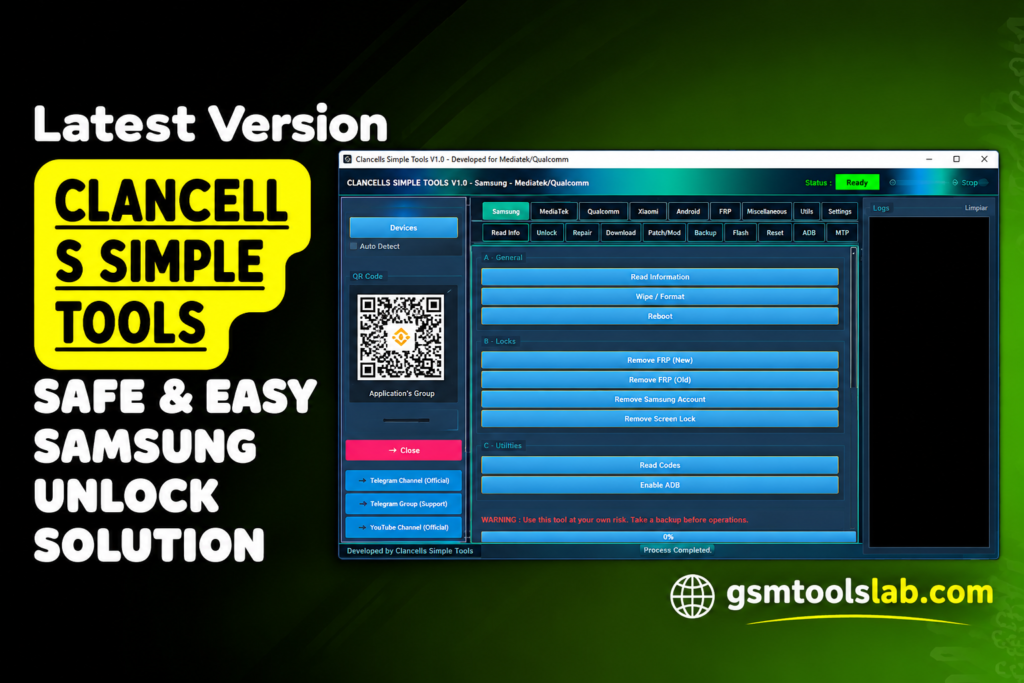
Is your Android phone stuck on an FRP lock, a locked bootloader, an MDM lock, or a boot problem? ClanCells Simple Tools is a Windows program that puts ADB, Fastboot, Diag, FRP, MDM, KG, MTK, and LG KDZ tools in one window. It works with Samsung, Xiaomi, Motorola, LG, and more.
Also Read Trusted Tools: UMT QcFire Tool 13.9 | Modified Setup Download
Key Takeaways
- Tool: ClanCells Simple Tools V6, a Windows servicing utility.
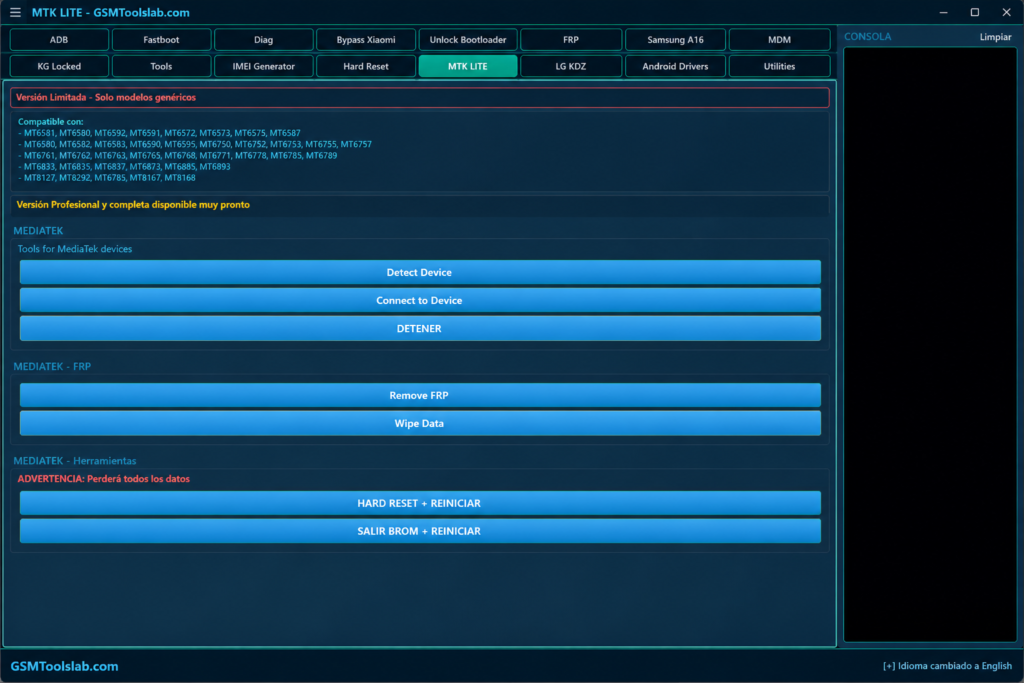
- Sections: ADB, Fastboot, Diag, FRP, MDM, KG, MTK, LG KDZ, Drivers, and Utilities.
- Chipsets: Qualcomm, MediaTek, UniSOC, and HiSilicon.
- Needs: Windows 7 to 11, USB drivers, and admin rights.
- Limit: Support varies by model, firmware, and security patch.
What Is ClanCells Simple Tools?
ClanCells Simple Tools is a Windows utility for Android repair and servicing. It lets you read device info, run ADB and Fastboot tasks, flash firmware, and handle FRP, MDM, and Mi Account jobs. Repair shops in the US, UK, Canada, Pakistan, India, and Nigeria use tools like this to save time. The tool offers FRP options for some models, but the old account is still the safest way in.
Key Features of ClanCells Simple Tools
ADB and Device Management
It lists connected phones, reads info, and reboots them into other modes.
Fastboot and Bootloader Tools
It checks Fastboot devices, reads variables, and runs supported bootloader unlock and relock tasks.
Device Information and Diagnostics
It shows the model, Android version, security info, and system properties.
FRP and Device Service
It has FRP options for selected phones and chipsets. It also has user data erase and screen lock tools.
Xiaomi Mi Account Functions
It has Mi Account service tools, plus recovery and sideload workflows for Xiaomi phones.
MDM and Enterprise Service
It has MDM tools. USB debugging and the right permissions are needed.
MediaTek (MTK) Tools
The MTK Lite section detects MediaTek phones and runs selected functions.
Brand ID, Demo Mode, and Motorola FRP
It can remove Huawei, Oppo, and Vivo ID or demo mode on supported models. It also has Motorola FRP options.
IMEI Repair, dm-verity Fix, and OTA Block
It can repair IMEI, fix dm-verity errors, and disable OTA updates.
App, Network, and Reset Tools
You can freeze apps, clear app data, check IP and Wi-Fi info, and run a ping test. Hard reset and cache wipe can erase data.
Tool Sections
| Section | Use |
| ADB and Fastboot | Device control and bootloader tasks |
| Diag and MTK | Chipset-level servicing |
| FRP, MDM, KG | Lock and management tasks |
| LG KDZ | LG firmware flashing |
| Drivers and Utilities | Driver and Windows setup |
ClanCells Simple Tools V6 Download Information
| Detail | Information |
| Version | V6 |
| File Size | 369 MB |
| Developer | ClanCells |
| Platform | Windows 7, 8, 10, and 11 (64-bit) |
| Archive | ZIP or RAR |
| Drivers Needed | Android USB drivers |
Supported Brands and Chipsets
Samsung, Xiaomi, Motorola, LG, Oppo, Vivo, Huawei, Infinix, Lava, and Itel. It covers Qualcomm, MediaTek, UniSOC, and HiSilicon chipsets.
System Requirements
| Requirement | Details |
| Operating System | Windows 7, 8, 10, or 11 (64-bit) |
| Processor | Intel Core i3 or AMD equal |
| RAM | 2 GB minimum, 4 GB recommended |
| Storage | 500 MB free |
| Drivers | Qualcomm, Samsung, and ADB and Fastboot drivers |
| Extractor | WinRAR or 7-Zip |
How to Download and Install ClanCells Simple Tools
- Download the file from an official site, gsmtoolslab.com, or a trusted source, and scan it.
- Extract the ZIP or RAR file.
- Run the setup file as administrator.
- Install the Android USB drivers.
- Open the tool and connect your phone in the right mode.
- Check that the model and chipset are detected.
- Pick a section and a function.
- Follow the on-screen log until it finishes.
Pros and Cons
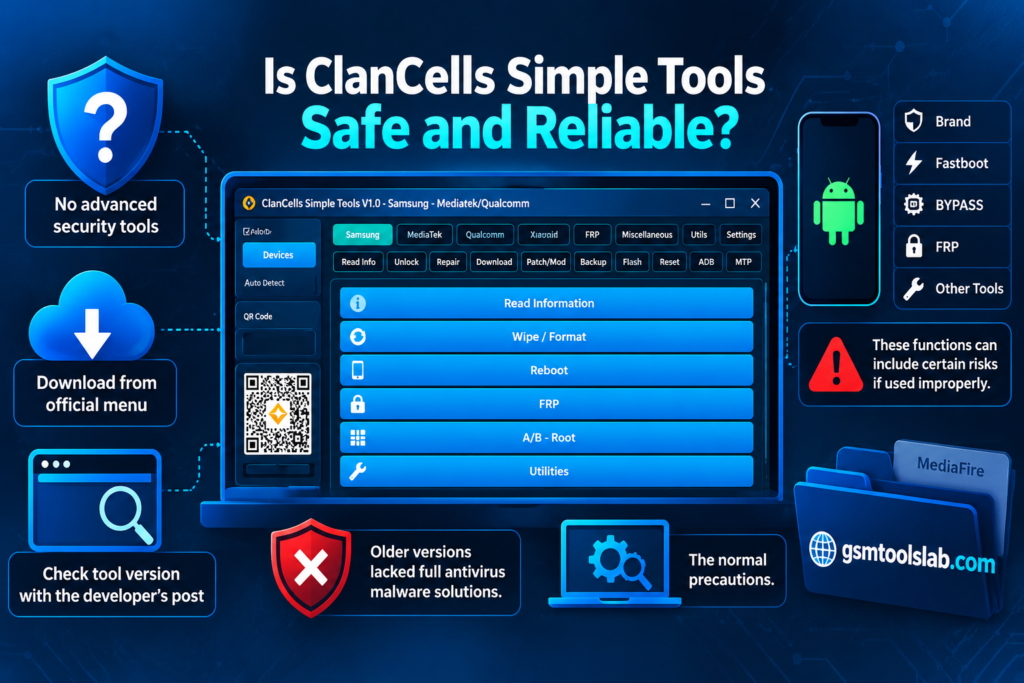
| Pros | Cons |
| Many sections in one tool | Works only on supported models |
| ADB and Fastboot support | Some tasks erase data |
| Qualcomm, MTK, and UniSOC options | Right drivers and modes are needed |
| Samsung, Xiaomi, Motorola, and LG tools | Wrong firmware can cause problems |
| Simple dashboard | Advanced tasks need skill |
Conclusion
ClanCells Simple Tools V6 is a handy Windows utility for Android servicing. It covers ADB, Fastboot, FRP, MDM, KG, MTK, and LG KDZ jobs. Check your model first, install the right drivers, and verify your firmware before any flash or reset.
ClanCells Simple Tools FAQs
Which devices does ClanCells Simple Tools support?
It lists Samsung, Xiaomi, Motorola, LG, Oppo, Vivo, Huawei, Infinix, Lava, and Itel. It covers Qualcomm, MediaTek, Unisoc, and HiSilicon chips.
Does ClanCells Simple Tools support Fastboot?
Yes. ClanCells Simple Tools includes a dedicated Fastboot section with device detection, information, reboot, and supported bootloader and partition functions.
Does it include Samsung tools?
Yes. It has Samsung FRP, MDM, Knox, KG, and device info tools.
Does it work on all Android phones?
No. Some functions, like ADB commands, work more widely. Others work only on certain models.
Can it remove FRP from any phone?
No. FRP options work only on some models and software versions. Newer phones may not work.
One Comment