UMT QcFire Flash Tool 13.9 | Setup Download for Qualcomm Phones [2026]

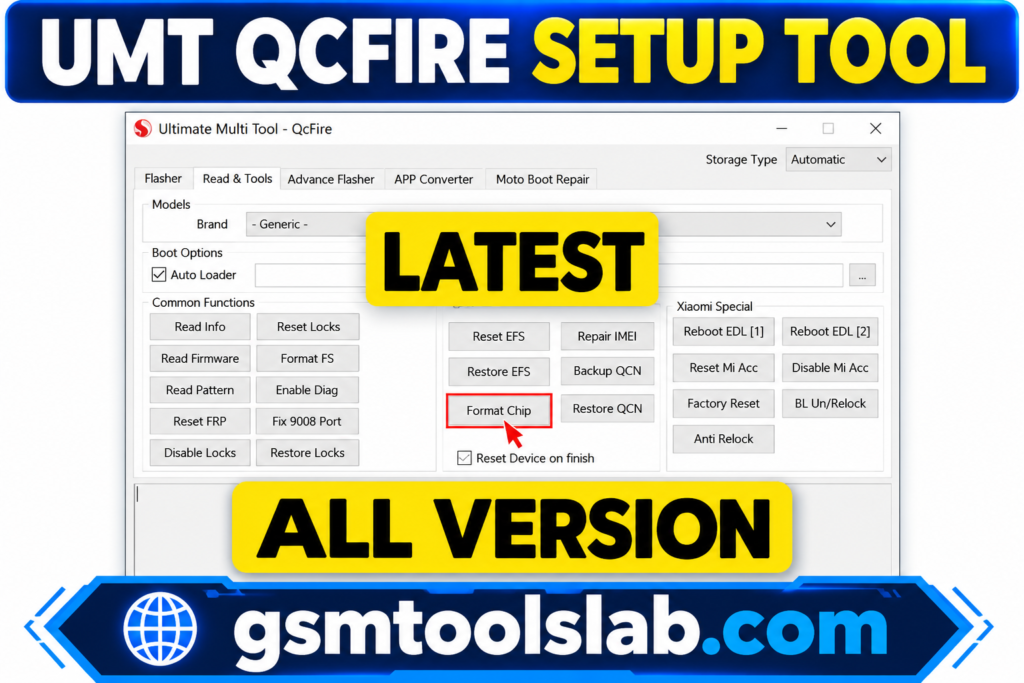
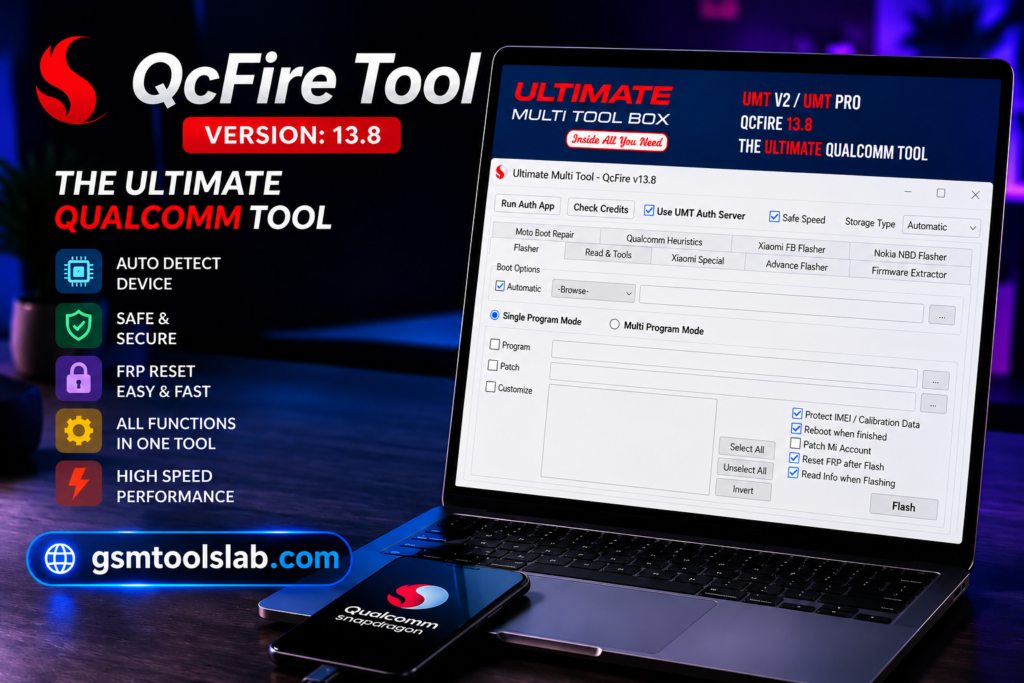
Does your Qualcomm phone refuse to flash, unlock, or boot? UMT QcFire Tool is a Windows module for Qualcomm Android phones and tablets. It flashes stock firmware, removes FRP, repairs IMEI, fixes bootloops, and unlocks the bootloader through EDL mode. It runs with a UMT Dongle or UMT Pro license.
Also Read Trusted Tools: Miracle Advanced Android Tool v1.35
Key Takeaways
- Tool: UMT QcFire Tool, a Windows module of Ultimate Multi Tool (UMT).
- Chipset: Qualcomm (Snapdragon) phones and tablets only.
- Mode: EDL (9008) mode.
- Main Jobs: Firmware flashing, FRP removal, IMEI and EFS repair, and bootloader unlocking.
- Requirements: Windows 7 to 11, Qualcomm USB drivers, and a UMT Dongle or UMT Pro.
What is UMT QcFire Tool?
UMT is a Windows software and hardware platform for repair shops and technicians. A USB dongle or smart card unlocks it. Shops in the US, UK, Canada, Pakistan, India, and Nigeria use it for Qualcomm phones. New versions come out often to match new chips and Android security patches. It is a low-level mode built into Qualcomm chips. The PC sees the phone as “Qualcomm HS-USB QDLoader 9008.” The tool then sends a firehose loader and flashes or reads the phone.
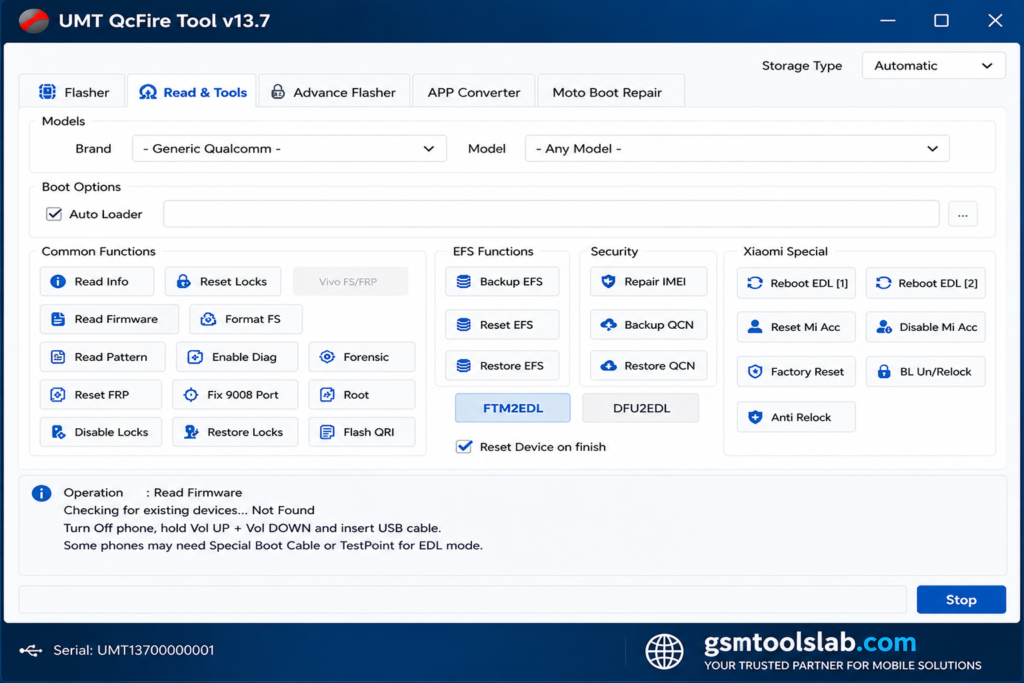
Key Features of UMT QcFire Tool
Qualcomm Firmware Flashing
It flashes stock XML firmware. This fixes bootloops, crashed software, and failed updates.
EDL Mode Read and Write
It reads and writes firmware in EDL mode. This helps with bricked phones.
Erase FRP Lock
FRP means Factory Reset Protection. Google added it in Android 5.1 in 2015. The tool can erase it on supported phones when the owner has lost the account.
Factory Reset and Format
It resets the phone or wipes user data to clear software faults.
Unlock and Relock Bootloader
You can unlock the bootloader for custom ROMs, recovery, or root. Relock restores security.
Repair and Write IMEI
It can repair a damaged IMEI. Restore only the original number.
Reset EFS and Network
EFS is the partition that stores IMEI and network data. A reset can fix “No Service” problems. It can also back up and restore QCN data.
Screen Lock Reset
It can reset a PIN, password, or pattern on supported phones. Some functions work only on unencrypted devices.
Reboot to EDL Mode
It restarts the phone straight into EDL mode.
Supported Brands and Chipsets
| Item | Details |
| Chipset | Qualcomm Snapdragon |
| Brands | Xiaomi, Redmi, Vivo, Oppo, Realme, OnePlus, Samsung, Huawei, Motorola, Nokia, Infinix |
| Devices | Android phones and tablets |
UMT QcFire Tool Download Information
| Detail | Information |
| Version | 13.9 |
| File Size | 261.43 MB |
| Platform | Windows 7, 8, 10, and 11 (32-bit and 64-bit) |
| Chipset Support | Qualcomm only |
| Mode | EDL (9008) mode |
| License | Needs a UMT Dongle or UMT Pro |
| Drivers Needed | Qualcomm USB drivers |
System Requirements
| Requirement | Details |
| Operating System | Windows 7, 8, 10, or 11 |
| RAM | 2 GB minimum, 4 GB recommended |
| Storage | 500 MB minimum |
| Hardware | UMT Dongle, UMT Pro, or NCK Pro Box |
| Drivers | Qualcomm QDLoader 9008 USB driver |
| Access | Run as administrator |
How to Install and Use UMT QcFire Tool
- Download the file from a trusted source or from gsmtoolslab.com and extract the ZIP, RAR, or 7z file.
- Plug in your UMT Dongle or UMT Pro and install its drivers.
- Install the Qualcomm USB drivers.
- Run the QcFire setup, then open it as administrator.
- Select the program file and your firmware.
- Put the phone in EDL mode and connect it.
- Click Flash or pick another task.
- Keep the phone connected until the tool finishes.
Pros and Cons
| Pros | Cons |
| Built for Qualcomm phones | Needs a UMT Dongle or UMT Pro |
| Flashing, FRP, IMEI, and EFS tools | Works only on Qualcomm chips |
| Many brands supported | Some tasks erase data |
| EDL mode and bootloader tools | Newer security versions may not work |
| Frequent updates | Latest build may have bugs |
Common Problems and Fixes
- Device not detected: Install the Qualcomm drivers, try another cable or port, and check the EDL connection.
- Flash failed: Use matching firmware and check loader compatibility.
- Software will not open: Reinstall it and run it as administrator.
- Latest version fails: Try an older version.
Conclusion
UMT QcFire Tool is a strong Windows module for Qualcomm phone repair. It covers flashing, FRP, IMEI, EFS, and bootloader jobs in EDL mode. Check your model first, install the right drivers, and make sure you have a UMT Dongle or UMT Pro.
UMT QcFire Tool FAQs
What is UMT QcFire Tool?
It is the Qualcomm module of Ultimate Multi Tool. It flashes, unlocks, and repairs Qualcomm Android phones.
Does UMT QcFire Tool support only Qualcomm devices?
Yes. MediaTek phones need the separate UMT MTK2 module.
Is UMT QcFire Tool free?
No. It needs a UMT Dongle, UMT Pro, or NCK Pro Box to run.
Which brands does it support?
It covers Xiaomi, Vivo, Oppo, Realme, Samsung, Huawei, Motorola, Nokia, and more. Only Qualcomm models work.
Why is my phone not detected?
Install the latest Qualcomm USB drivers, use a good cable, and confirm EDL mode.
What is EDL mode?
EDL is Emergency Download Mode in Qualcomm chips. It lets a PC flash a phone before Android starts.
Does removing FRP or flashing firmware erase user data?
FRP clearance targets security partitions; however, full firmware flashing and factory resets will
format internal user storage. Always back up important data prior to servicing.
One Comment