FRT Tool v1.7.5 Download for Windows | Flash Repair Tool 2027

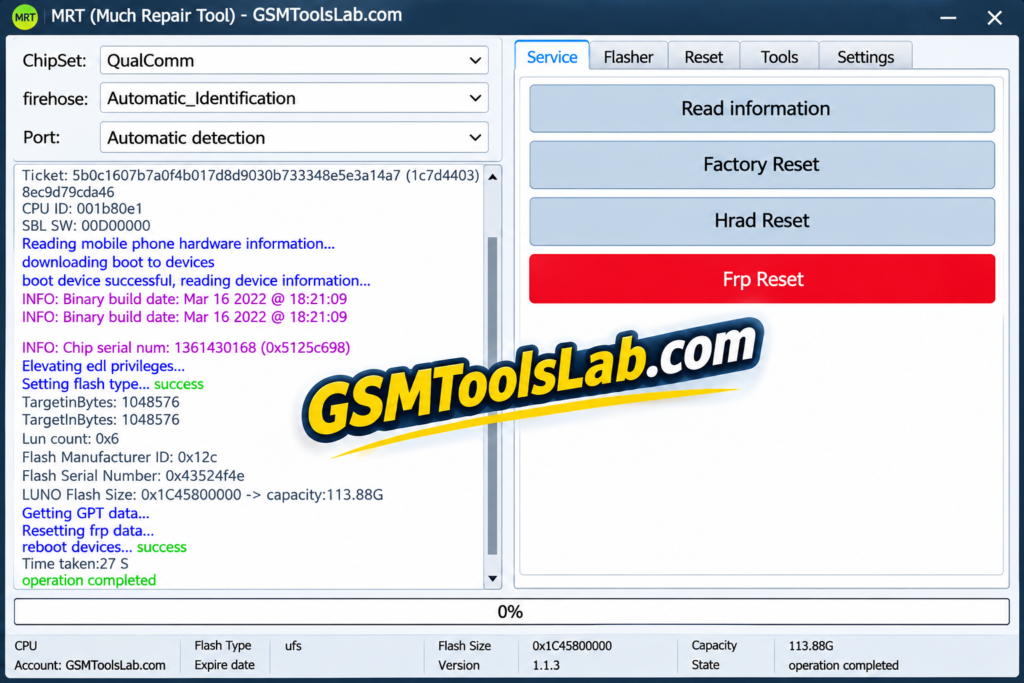
Android phones can get stuck on an FRP lock, a boot loop, or a failed update. FRT Tool is a Windows program that brings FRP reset, factory reset, firmware flashing, and RPMB backup together for MediaTek (MTK) and Qualcomm phones. It brings multiple device repair solutions together in one convenient application.
Also Read Trusted Tools: BFT Tool | SamFw FRP Tool
Key Takeaways
- Version: v1.7.5, made by the FRT Team.
- Platform: Windows PC, with MediaTek and Qualcomm support.
- Main Jobs: FRP reset, factory reset, firmware flashing, OFP extraction, and RPMB backup.
- Note: It is a paid tool. Some pages list a one-year license at about $40.
What Is FRT Tool?
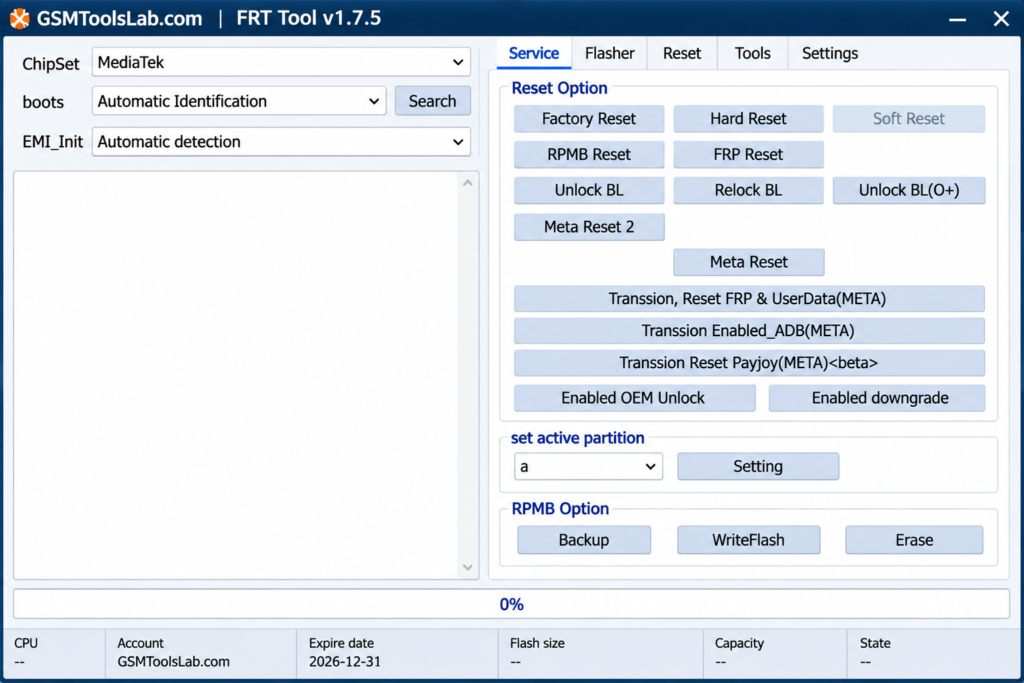
FRT Tool is a Windows application for technicians and advanced users. It works at the software level on MediaTek and Qualcomm phones. It can read device info, reset a phone, handle FRP, flash firmware, manage partitions, and work with RPMB data. Some pages also list Unisoc and Exynos devices.
Key Features of FRT Tool
FRP Reset
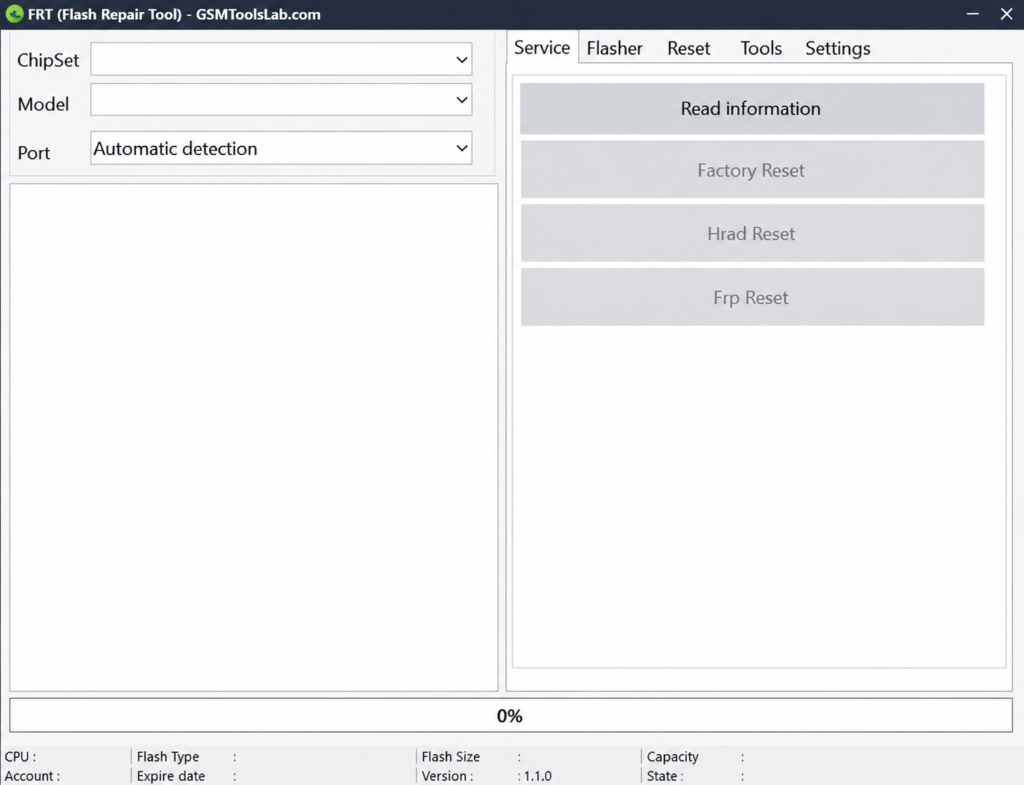
The tool offers an FRP reset on supported phones. The result depends on the model, chipset, and security version.
Factory Reset and Hard Reset
These options reset compatible phones to factory state. They can erase personal data, so back up first when you can.
Firmware Flashing
The Flasher section can read device info, back up, flash, and erase partitions on compatible devices. Always use firmware that matches the exact model.
OFP Firmware Extraction and Super IMG
The tool can extract OFP firmware packages for Qualcomm and MediaTek devices. It can also pack Super IMG files for flashing.
Fastboot & ADB Functions
This tool supports two important modes, fastboot and ADB. These modes are used for rebooting the bootloader, Mi account removal, wiping data, and more.
RPMB Operations
RPMB is a protected memory area. The tool can back it up, write it, and erase it on supported versions. These are advanced jobs and need care.
MTK Read Crypto Key
On supported MediaTek phones, the tool can read the crypto key.
What’s New in v1.7.5?
- MediaTek Read Crypto Key support.
- OFP extraction for Qualcomm and MediaTek.
- Super IMG and Super Meta packing options.
- Wider firmware backup and flashing options.
- More partition management tools.
- New chip support, such as MTK6835 and Qualcomm SM8750-AB, as listed on some pages.
Supported Brands and Chipsets
| Group | Details |
|---|---|
| Chipsets | MediaTek (MTK), Qualcomm |
| Also listed on some pages | Unisoc (Spreadtrum), Exynos |
| Brands | Xiaomi, Samsung, Oppo, Realme, Vivo, Huawei, Tecno, Infinix |
| Modes | Preloader, BROM, EDL, ADB, Fastboot |
FRT Tool Download Information
- Tool Name: FRT Tool (NEW UPDATED)
- Version: v1.7.5
- File Type: ZIP or RAR
- Developer: FRT Team
- File Size: About 159 MB
Here is the Official download link 👇
System Requirements
| Requirement | Details |
|---|---|
| Operating System | Windows 7, 8, 10, or 11 |
| Processor | Intel or AMD dual-core or better |
| RAM | 4 GB minimum, 8 GB recommended |
| Storage | 1 to 2 GB free |
| Drivers | Android, MTK, and Qualcomm USB drivers |
| Other | .NET Framework and a good USB cable |
How to Download and Install the Tool
- Use the official FRT Tool GsmToolsLab website or a trusted Source.
- Extract the ZIP file with WinRAR or 7-Zip.
- Scan the files with antivirus before you open them.
- Install the USB drivers for your phone.
- Run the program as administrator.
- Create an account and enter your activation.
- Connect the phone and follow the log instructions for your model.
- Keep the cable connected until the job ends.
Pros and Cons
| Pros | Cons |
|---|---|
| Flashing, reset, and RPMB tools in one program | Paid license is needed |
| Supports MediaTek and Qualcomm | Support varies by model and firmware |
| OFP extraction and Super IMG packing | Wrong firmware can damage the software |
| No hardware dongle needed | Windows only, and it needs technical skill |
Conclusion
FRT Tool v1.7.5 gives technicians one Windows program for FRP reset, flashing, OFP extraction, and RPMB work on MediaTek and Qualcomm phones. Check your model, install the right drivers, and plan for a paid activation.
FRT Tool FAQ’s
What is FRT Tool used for?
It is used to repair Android phones on Windows. Common jobs are FRP reset, factory reset, firmware flashing, OFP extraction, and RPMB backup.
Is FRT Tool free?
No. It needs a paid activation, and some pages list it at about $40 for one year. Pages that call it free are not confirmed, so check the official site.
Is FRT Tool safe to download?
It is safer to download from the official site. Scan the file, avoid shared logins, and keep antivirus on.
Which chipsets are supported?
It supports MediaTek and Qualcomm chips. Some pages also list Unisoc and Exynos, so check your exact model.
Does FRT Tool need a dongle?
No. It uses online registration and activation. Some pages say MRT Dongle owners can log in without extra steps, so check the current terms.
What are RPMB operations?
The tool can back up, write, and erase this protected area on supported devices. Use these jobs only if you know the risks.