Dars Unlock Tool v2026.08.25.0 | Full Updated Version for Windows (2027)

A phone stuck on the FRP screen, a Samsung Exynos phone in Download Mode, or an Apple A12/A13 device that needs Boot Diag? Dars Unlock Tool is a Windows loader that works with the UnlockTool application. It lists FRP servicing, Qualcomm loaders, firmware flashing, and Boot Diag support for selected devices.
Also Read Trusted Tools: MDM Fix Tool | TFM Tool Pro V3.4.2
Key Takeaways
- Version: v2026.08.25.0, also known as V5.
- Platform: Windows PC, used together with UnlockTool.
- Main Jobs: Samsung Exynos FRP servicing, Qualcomm loaders, firmware flashing, and Apple A12/A13 Boot Diag.
- Note: This is a third-party release. No official source is confirmed, and some builds require a login.
What Is Dars Unlock Tool?
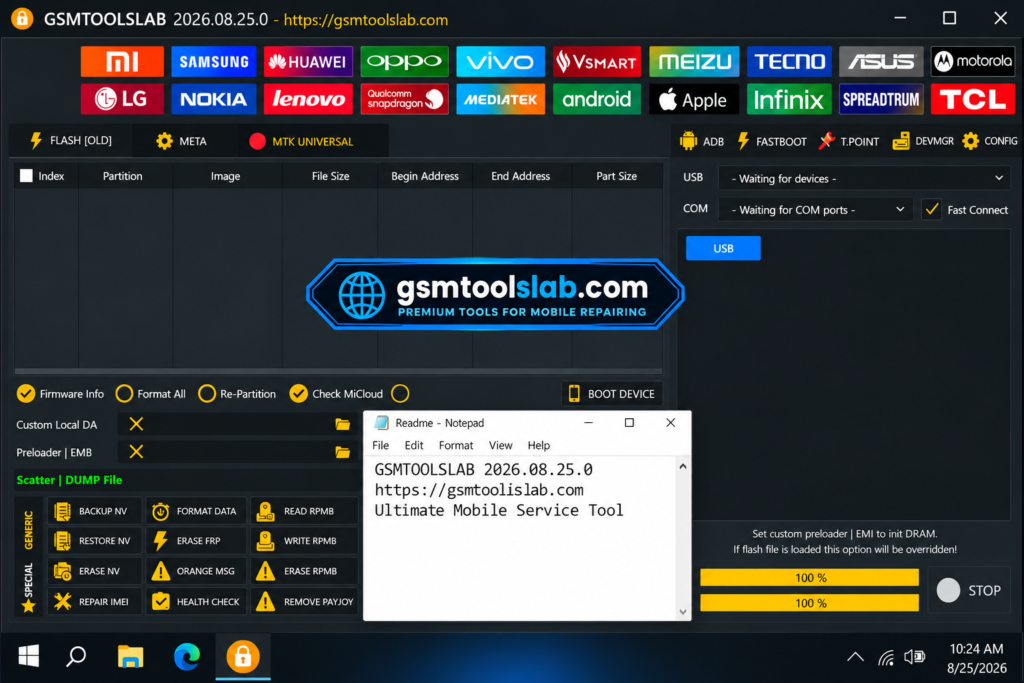
Dars Unlock Tool, also written as DARS Unlocker, is a Windows-based servicing program for mobile technicians. It is not a full tool on its own. The tool offers servicing functions for Samsung, Android, and Apple devices. The latest Dars Unlock Tool V2026.08.25.0 comes with a login-based system and includes updated support for selected Apple devices.
Key Features of Dars Unlock Tool
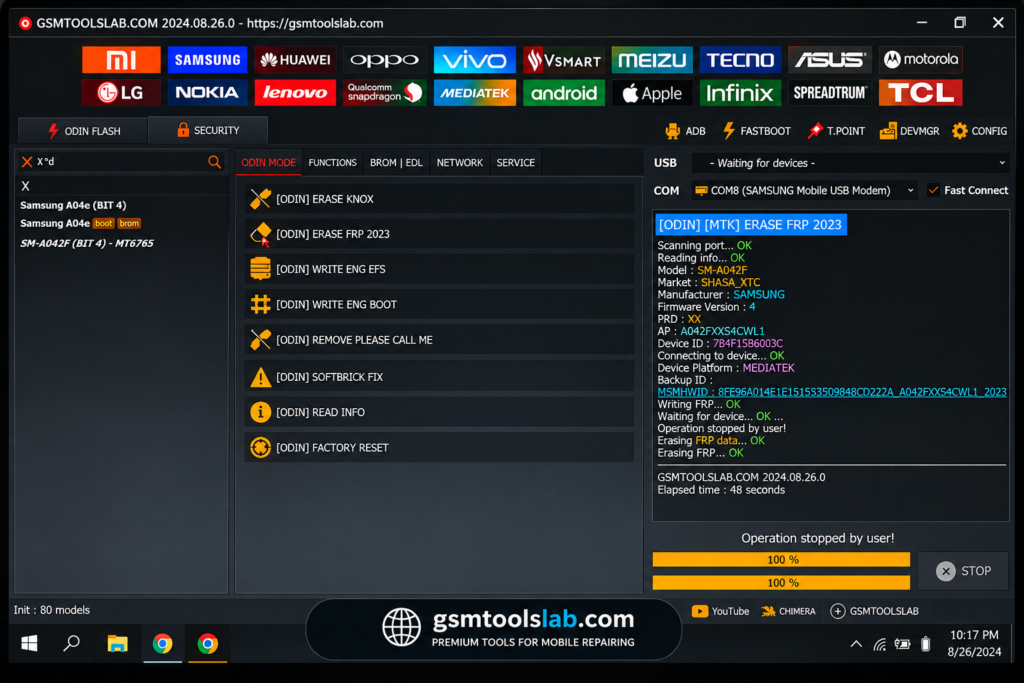
Samsung Exynos FRP Servicing
The tool provides V5 FRP servicing for selected Samsung Exynos phones through Odin Download Mode.
Qualcomm Loader Support
Extra loaders were added for some Samsung models. They help the PC talk to Qualcomm chips in EDL.
Boot Diag for Apple A12 and A13
The tool lists Boot Diag support for selected Apple A12 and A13 devices. Results change as Apple updates its software.
Direct Firmware Flashing
Flashing writes stock firmware to a phone. It can help with soft-bricked phones or devices stuck on the logo.
Hello Bypass Screen Fix
V5 fixes an issue where the screen did not turn off after the job ended.
Login-Based Access
Some builds ask you to sign in before functions open. Only use a login page you trust.
What’s New in Dars Unlock Tool V5?
- Samsung Exynos FRP support through Odin Download Mode.
- New Qualcomm loaders for more Samsung models.
- Boot Diag support for selected Apple A12 and A13 devices.
- A fix for the Hello Bypass screen timeout.
- Fixes for loader issues, VPN errors, and server connection errors.
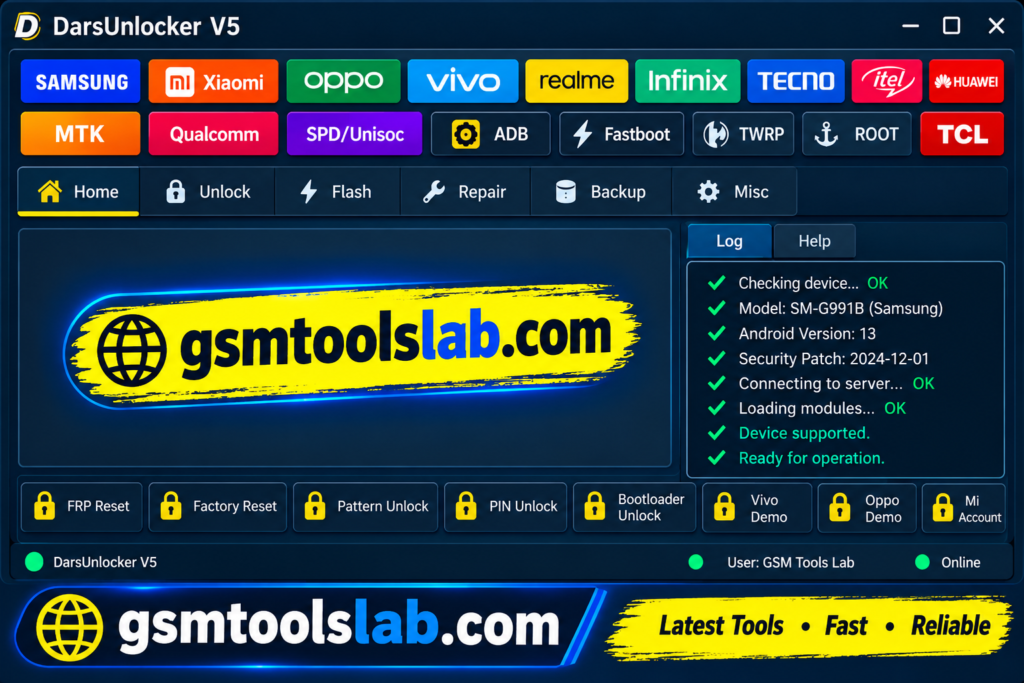
Supported Brands and Chipsets
| Group | Details |
|---|---|
| Android brands | Samsung, Xiaomi, Vivo, OPPO, Realme, Huawei |
| Chipsets | MediaTek, Qualcomm, Unisoc (Spreadtrum) |
| Apple models | iPhone 11, 11 Pro, 11 Pro Max, SE (2020), XS, XS Max, XR, iPad Air 3, iPad mini 5, iPad 8 |
Not every function works on every model. Support depends on the phone, version, and security patch.
Dars Unlock Tool V5 Download Information
- Tool Name: Dars Unlock Tool (v2026.08.25.0)
- Version: V5
- File Type: ZIP or RAR
- File Password: 🗝 None
- File Size: 297 MB
Here is the Official download link 👇
System Requirements
| Requirement | Details |
|---|---|
| Operating System | Windows 8.1 or 10 (64-bit) |
| Processor | Intel Core i3 or AMD equivalent |
| RAM | 4 GB |
| Storage | 2 GB free |
| Drivers | MediaTek, Qualcomm, or SPD USB drivers |
| Cable | A good USB data cable |
How to Download and Install the Tool
- Get the setup package from the download button or from a Trusted source.
- Extract the RAR file into its own folder.
- Scan all files with antivirus before you open them.
- Install the USB drivers for your phone.
- Run the program as administrator.
- Sign in if the build asks for it.
- Connect the phone and pick the brand, chipset, and function.
- Confirm the model and mode match, then start and keep the cable connected.
Pros and Cons
| Pros | Cons |
|---|---|
| FRP, flashing, and Boot Diag in one loader | Support depends on model and version |
| Works with MediaTek, Qualcomm, and Unisoc | Needs a matching UnlockTool version |
| Fixes for loader and server errors | Some builds need a login |
| Suits repair shop work | No confirmed official download source |
Conclusion
Dars Unlock Tool v2026.08.25.0 (V5) is a Windows-based mobile servicing loader designed to work with UnlockTool. It brings together several functions, including Samsung Exynos FRP servicing through Odin Download Mode, additional Qualcomm loaders, firmware flashing, and Boot Diag support for selected Apple A12 and A13 devices. Before downloading Dars Unlock Tool V5, check the supported models, system requirements, USB drivers, and UnlockTool version to avoid compatibility issues. Since device support can vary according to firmware and security patch, verify compatibility before starting any operation.
Frequently Asked Questions
What is Dars Unlock Tool used for?
It is used for phone servicing on Windows. Listed jobs include FRP servicing, firmware flashing, and Boot Diag on selected Apple A12 and A13 devices.
Does Dars Unlock Tool need UnlockTool?
Yes. It is described as a loader that works with UnlockTool. The loader and UnlockTool versions must match.
Is Dars Unlock Tool safe to download?
It is only as safe as its source. Scan the file, avoid unknown password-protected archives, and keep antivirus on.
Which Apple devices are supported?
Ten models are listed. They are iPhone 11, 11 Pro, 11 Pro Max, SE (2020), XS, XS Max, XR, iPad Air 3, iPad mini 5, and iPad 8.
Does it support Samsung FRP?
Yes, for selected Exynos phones through Odin Download Mode, and some Qualcomm models through extra loaders. Support depends on model and patch.
Why is Dars Unlock Tool not detecting my phone?
Check the cable, install the right drivers, and confirm the phone is in the correct mode. Also make sure the loader matches your UnlockTool version.
One Comment